Own favorites & order
Everyone gets their own favorites, order, theme and tile size over one shared list of apps. Kids see only the apps you pick.
Homepad puts all your self-hosted apps on one page. Everyone in the house signs in and gets their own dashboard. It runs on your own server.
homepad@gethomepad.dev·homepad1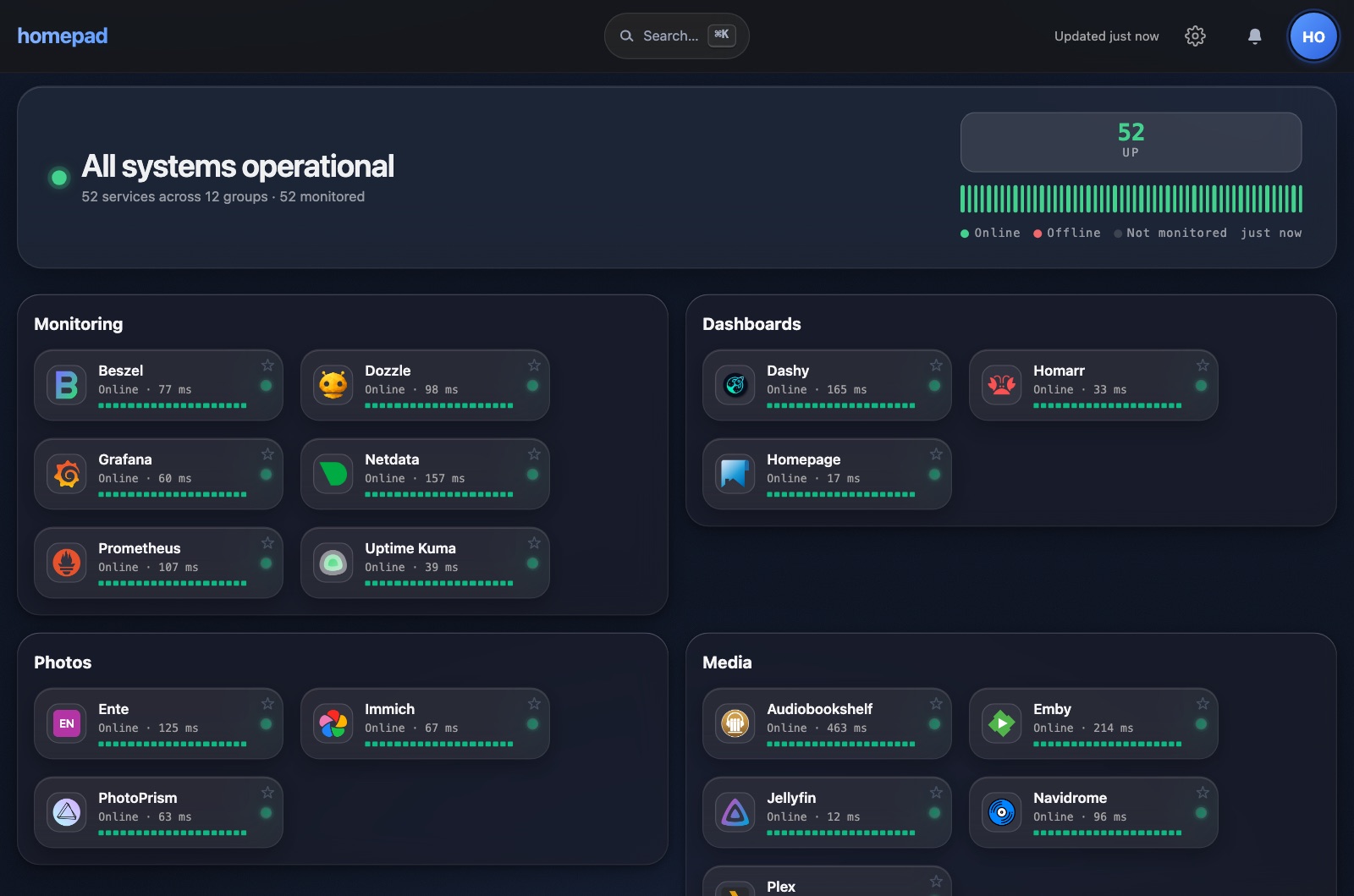
The admin keeps one list of apps for the house. Each person keeps their own favorites, order, theme and tile size. Each tile can show live status from Gatus, if you run it. You can add Homepad to the home screen of a phone or iPad.
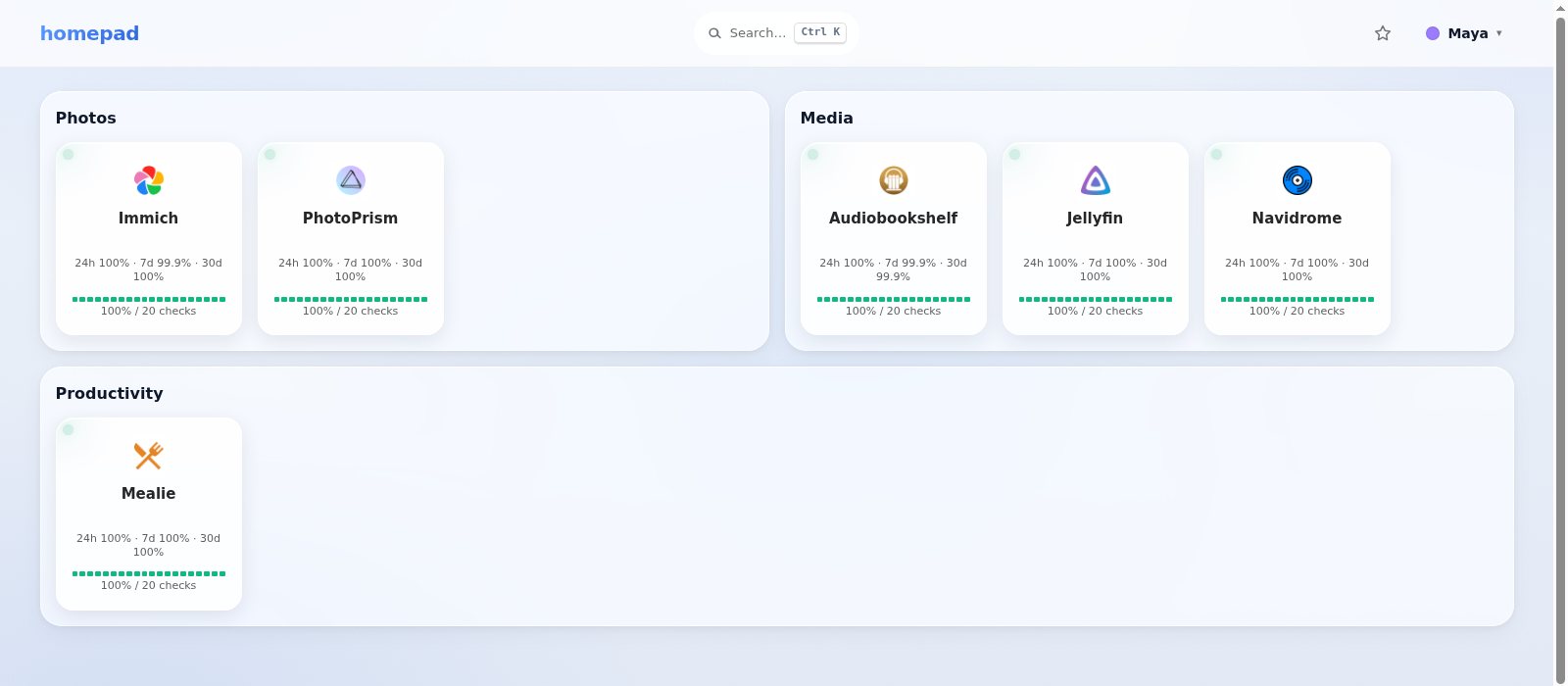
Give a child their own dashboard with only the apps you choose. In Administration, add a kid with a name and a colour, tick the apps they can see, then tap Sign in this device as them on the family iPad.
And every sign-in now survives a restart: adults stay signed in for 30 days, renewed as they go.
Everyone gets their own favorites, order, theme and tile size over one shared list of apps. Kids see only the apps you pick.
Live UP, DEGRADED or DOWN from Gatus, checked on the server. The browser gets only the result.
Local accounts, or OIDC with PKCE from a provider such as PocketID. Members of your admin group become admins.
An installable PWA with 44px tap targets. Light, dark or match your device. Built for the family iPad.
Give a child only the apps you pick. A kid account is a name and a color. It stays signed in on the iPad for 180 days. Kids can't edit the dashboard or open admin.
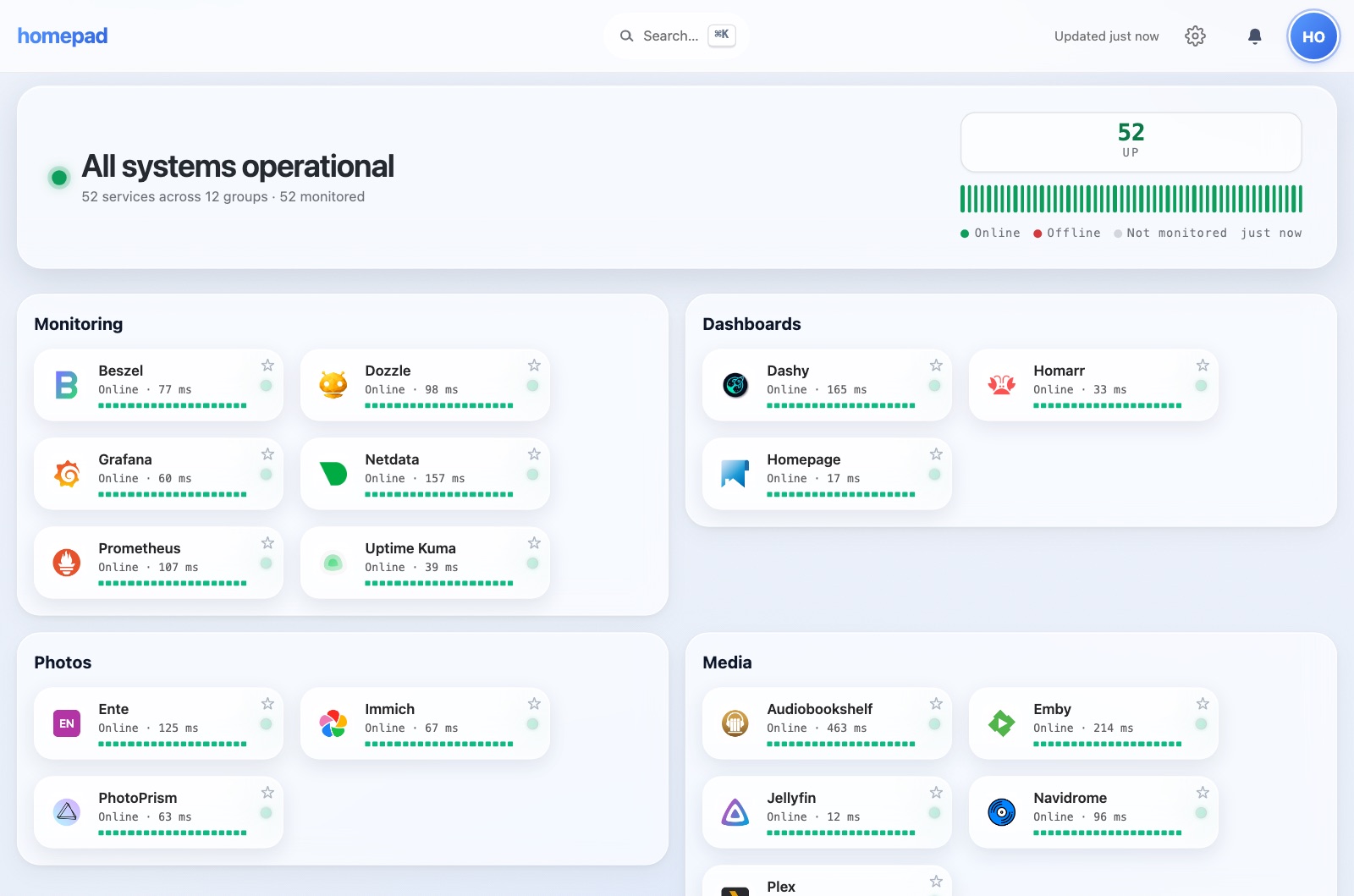
One shared catalog, organized into sections with instant ⌘K search. Each tile shows its live status at a glance.
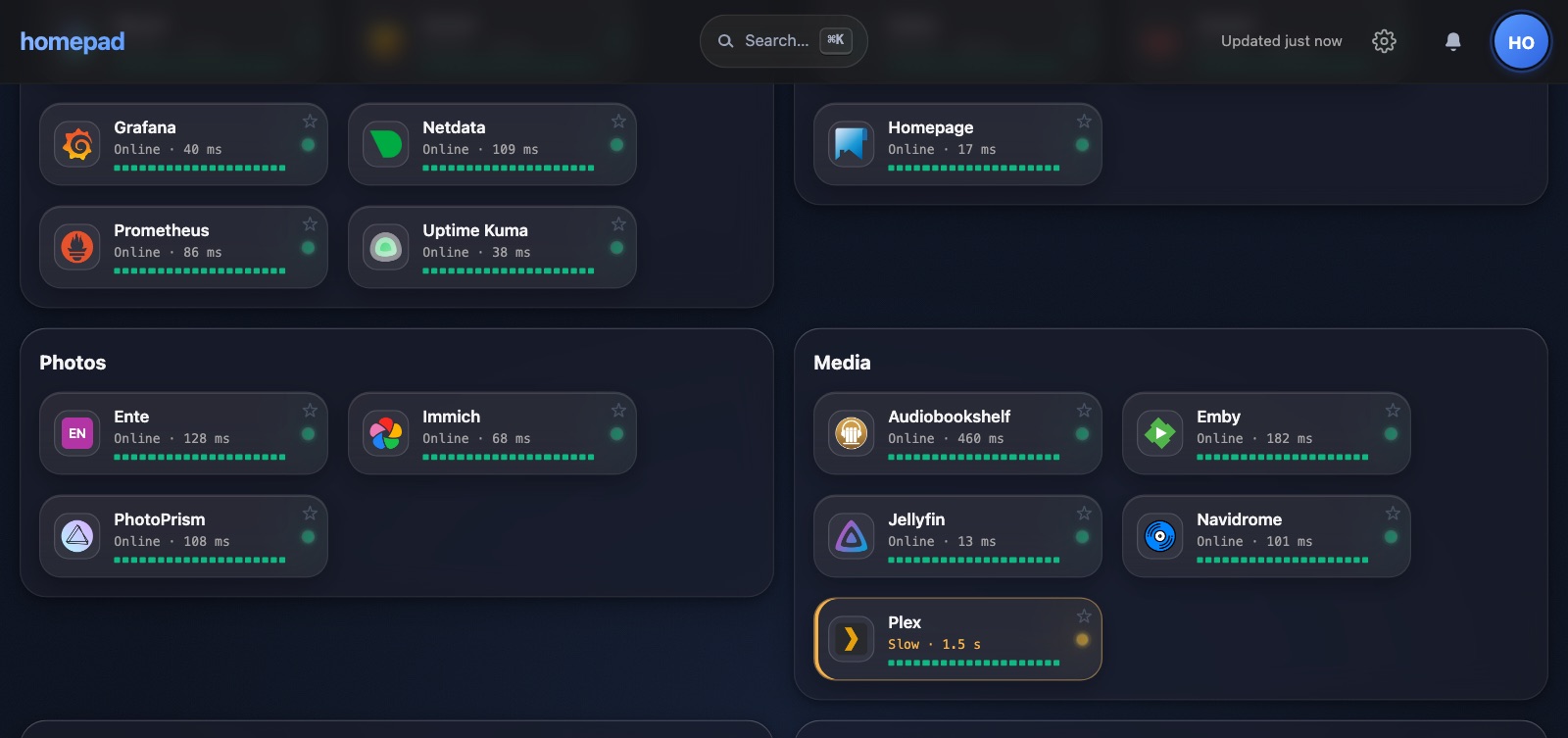
Homepad asks Gatus for UP, DEGRADED or DOWN from the server. The page gets each tile's result. It never gets the addresses Gatus checks.
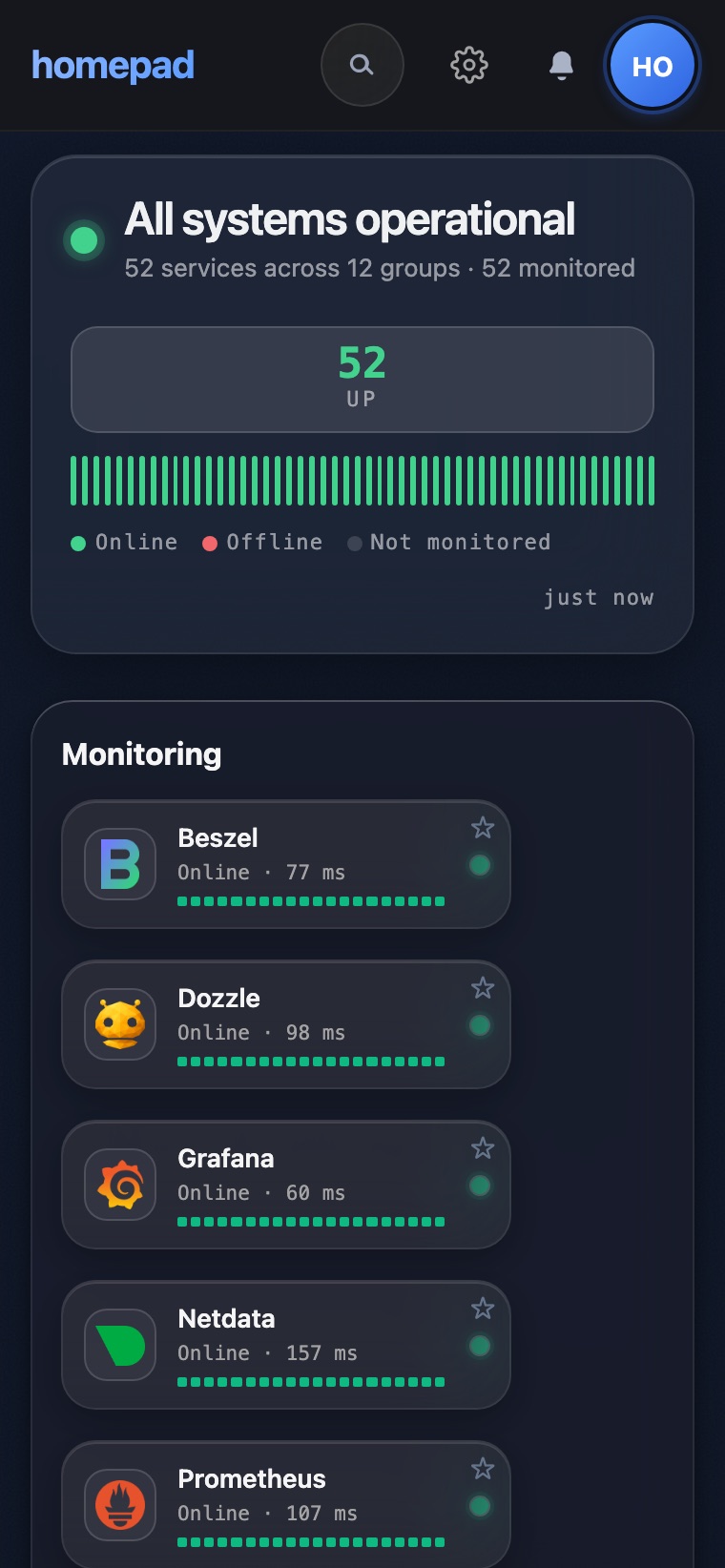
Add it to the home screen of a phone or iPad. Tap targets are at least 44px. Light and dark themes.
| Homepad | Homepage | Homarr | Dashy | Heimdall | |
|---|---|---|---|---|---|
| Each person signs in to their own dashboard | ✓ | ✕ | ✓ | ⚠ | ✓ |
| Add and edit apps in the browser | ✓ | ✕ | ✓ | ✓ | ✓ |
| Built-in OIDC sign-in | ✓ | ✓ | ✓ | ✓ | ✕ |
| Live status, checked on the server | ✓ | ✓ | ✓ | ✓ | ✕ |
| The address being checked stays off the browser | ✓ | ✕ | ✕ | ✕ | ✕ |
| Installs to the home screen (PWA) | ✓ | ✓ | ✓ | ✓ | ✕ |
✓ yes⚠ partly, see notes✕ no
Checked on 2026-11-07 against each project’s own docs and code (Homepage 2.7, Homarr 2.12, Dashy 4.9, Heimdall 2.8). Homepage has more than 100 service widgets and can run next to Homepad. Homepad has no service widgets.
You need Docker with Compose v2.23 or newer. Run these four commands.
$ mkdir homepad && cd homepad$ curl -fsSLO https://gethomepad.dev/compose.yaml$ echo "POSTGRES_PASSWORD=$(openssl rand -hex 16)" > .env$ docker compose up -d
Then open http://localhost:8080 on the same machine. From another device, use the server’s address and port 8080. The first account you register is the admin. Images for amd64 and arm64.